Hytale Server Hosting
Build, explore and play together on your own Hytale server, live since the Early Access launch. Fast AMD Ryzen 9 hardware, NVMe storage and DDoS protection, with server-side mods your players never have to install.
DDoS Protection
AMD Ryzen 9
Online 24/7
Instant delivery
Great support
Hytale server plans & pricing
- No slot limit on any plan
- VibeSHIELD DDoS protection
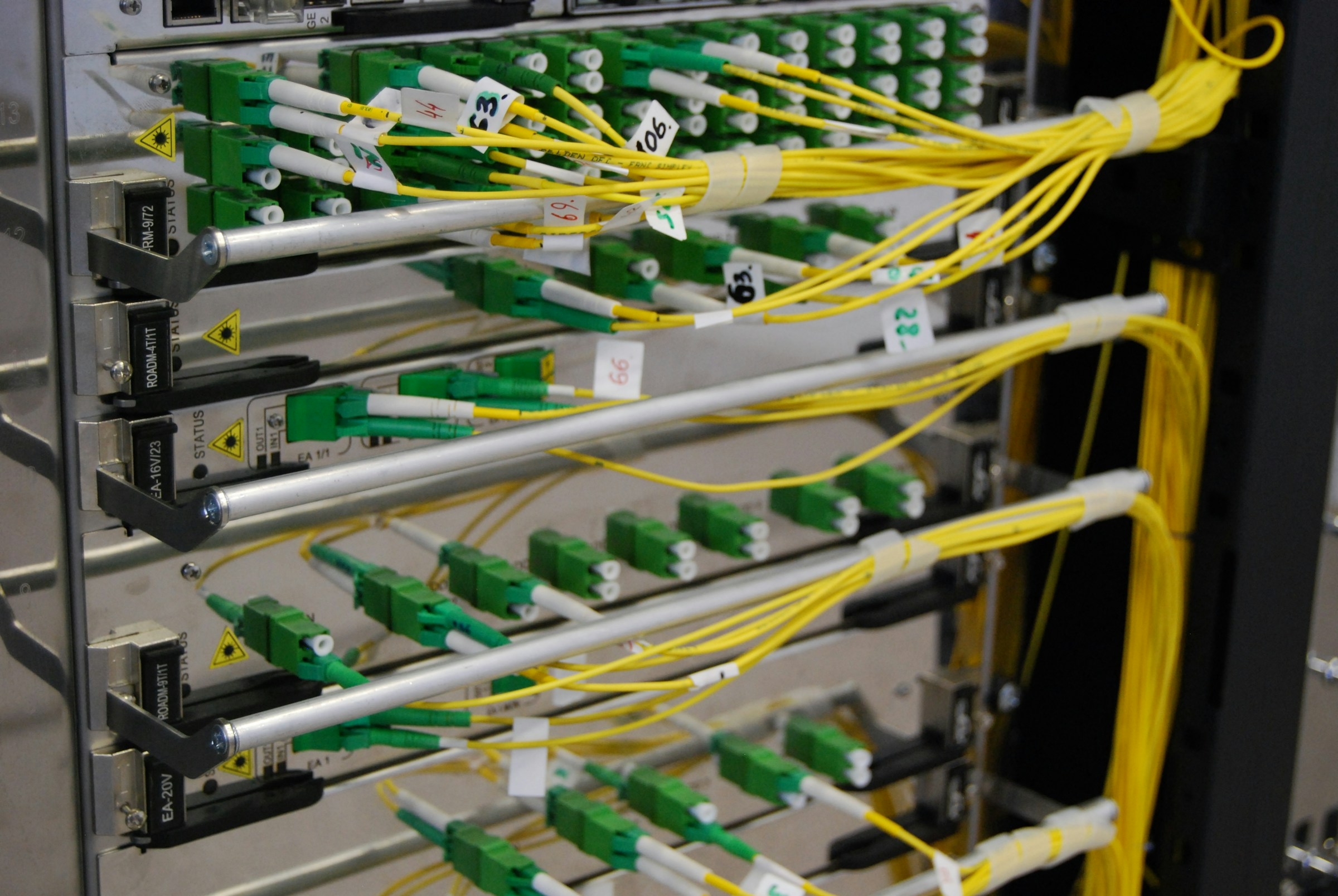
- AMD Ryzen 9, DDR5 memory, NVMe storage
- Online in minutes, in every location
Hytale I
Suits about 1-6 players
Hytale II
Suits about 5-12 players
Hytale III
Suits about 10-20 players
Hytale IV
Suits about 20-35 players
Hytale V
Suits about 30-50 players
Hytale VI
Suits about 50-100 players
Why host your own Hytale server?
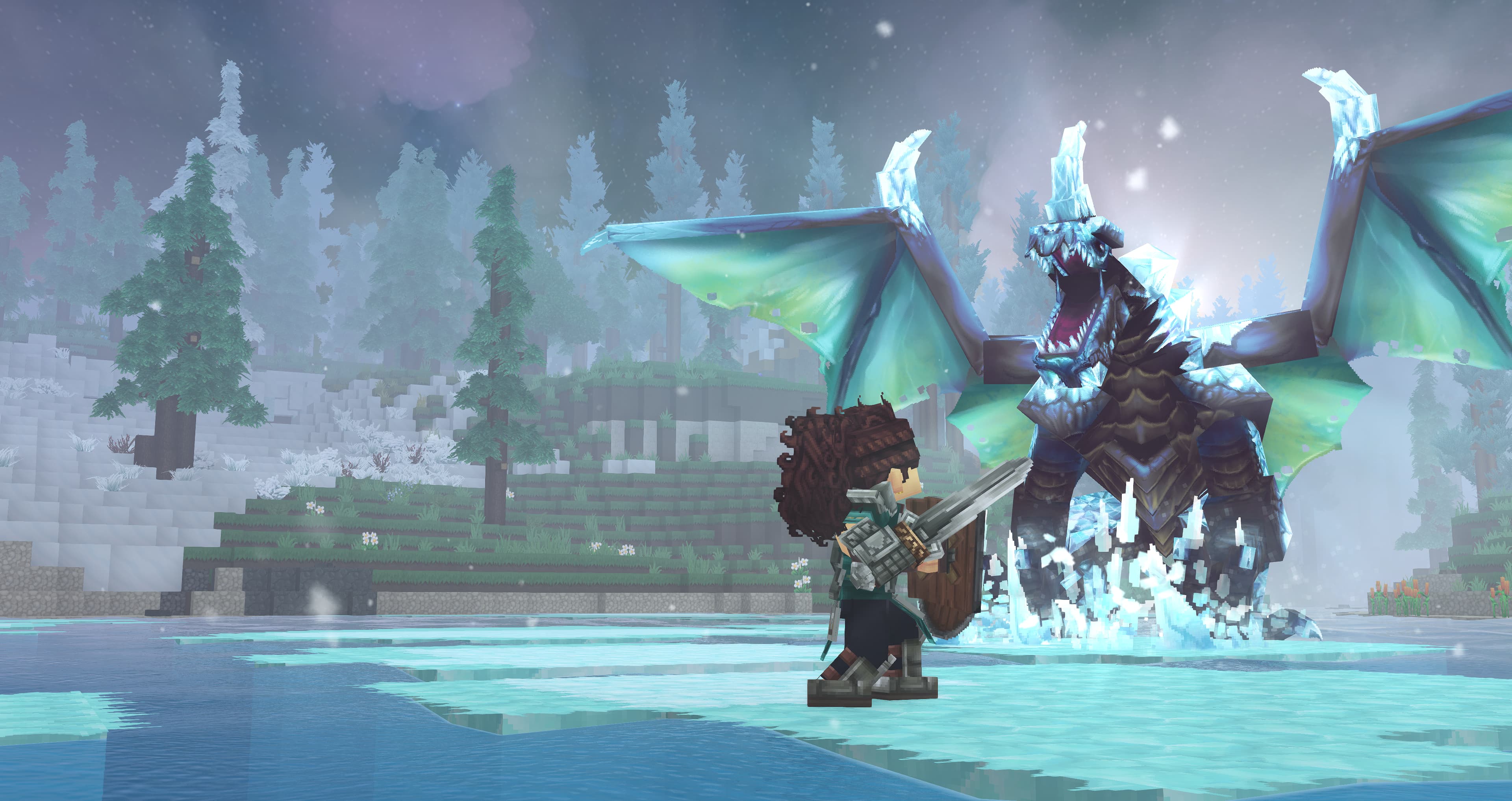
Hytale, Hypixel Studios' sandbox adventure, has been in Early Access since 13 January 2026, and its community servers are where the game is being shaped: adventure worlds, minigames, creative builds and modded survival, with server-side mods that players receive automatically when they join. A server of your own gives your community a permanent world with your mods and rules, online around the clock.
Our Hytale hosting runs the official dedicated server on AMD Ryzen CPUs with NVMe storage, behind VibeSHIELD DDoS protection. The panel takes care of the part everyone found tedious: your server is signed in to Hytale's services by VibeGAMES automatically, so there are no device codes to type on first start. Plans go from 4 to 24 GB, and the server is online within minutes of ordering.
Which Hytale plan do you need?
Hytale has no fixed player cap; memory and CPU decide how many players and how many mods run smoothly:
A few friends: Hytale I to II
4 to 6 GB for 1 to 12 players on a survival or adventure world with a handful of mods.
A community: Hytale III to IV
8 to 12 GB for 10 to 35 players, a bigger mod list, minigames and a world that keeps growing.
Public servers: Hytale V to VI
16 to 24 GB and up to ten threads for 30 to 100 players, large modpacks and heavily built worlds. Upgrading keeps your world.
Mods, sign-in and your world
Hytale was built for servers, and the panel keeps the few moving parts simple.
Server-side mods
Upload mods to the server's mods folder and restart; the server sends the content to players when they join, so nobody installs anything. Switch mods in and out without asking your players to do a thing.No device codes
Hytale servers must be signed in to Hytale's services. By default VibeGAMES does that for your server, so it starts straight away. Prefer your own Hytale account? Switch to it in the panel's Game Settings.Worlds, backups and files
Your world is a folder you can download, back up from the panel or replace with a world you built elsewhere. Full file access over SFTP and the file manager.
Hytale server locations worldwide
Low ping is half the fun. Our Hytale servers run in 15 datacenters across Europe, North America, South America, Asia, Oceania and Africa, every one on the same AMD Ryzen hardware with NVMe storage and behind VibeSHIELD, our own DDoS protection network with 17 Tb/s of mitigation capacity. You pick the location at checkout, and the latency checker below shows your real ping to each one before you order.
Outgrown your first choice? Our team moves your server to another location on request, with your files intact, so the location you start in is never a lock-in.
Your first steps after ordering
The server is delivered installed, signed in and running a new world. Getting your community in takes a few steps:
- 1Set the server name and, if you want one, a whitelist
- 2Upload your mods to the mods folder
- 3Tune the world and gameplay settings in the server config
- 4Restart from the panel and share the address and port
Switching from another Hytale host?
A Hytale server is its world folder, its config and its mods folder. Upload the three over SFTP, restart, and your community finds the same world with the same mods. Because mods are server-side, players reconnect and carry on without reinstalling anything.
- 1
Download your world folder and server config from the old host
- 2
Upload them over SFTP, mods folder included
- 3
Restart and share the new address
Game control panel help centre
Step by step walkthroughs for setting up and running your server, written by the team that hosts it.
- How to Log In to the Game PanelEvery game server is managed in the VibeGAMES game panel at game.vibegames.com.
- How to Start Your Game ServerStarting your game server takes one click. Here is where to find it and what the other power buttons do.
- How to Manage Your Files Using the File ManagerThe file manager is built into the game panel and covers almost everything you need day to day: browsing, uploading, editing, archiving and deleting files.
- How to manage your files via FTP using FilezillaSFTP is the fastest way to make big changes to your server, such as uploading complete resources or downloading everything at once.
Hytale server hosting FAQ
What customers say
 4.4 out of 5 on Trustpilot, based on 651 reviews

Hassan Rashid
Jul 29, 2026

always love to work with them Goat customer since 2021

Joshua Blackman
Jul 15, 2026
I am never leaving this company , I have tried other VPS providers and this is on another level, never lags or crashes . Not just that, the customer service is efficient and really good. They are always there to help with your issues. Thank you VibeGames and Matt has helped me out countless times. Appreciate you all

Icee Gamer
Jun 20, 2026
Great help W
Players also host
Why choose VibeGAMES
DDoS protection
VibeSHIELD, our globally anycasted DDoS-protected network, now spans 46 scrubbing locations worldwide. Every point of presence filters traffic the instant it lands, stopping attacks as close to the source as possible, long before they ever reach your server.
All 46 locations combine into one unified DDoS-protected fabric, so the full capacity of the entire network backs every individual server. Layer that on top of custom game-aware filtering, tuned for the protocols our customers actually use, and it doesn't matter how big the attack is or how long it lasts. Your players stay connected.