
Rust Server Hosting
Rust server hosting on AMD Ryzen 9 with NVMe SSDs and built-in multi-Tbps DDoS protection. One-click Oxide and Carbon, full RCON and SFTP access, and locations across Europe and North America for low ping wherever your community plays.
Pick a size, or build your own
- VibeSHIELD DDoS protection
- Scheduled restarts
- Backups in the panel
- SFTP and console
- Pay monthly, stop anytime

Rust I
Rust II

Rust III
Rust IV
Rust V
Rust VI

Rust VII
Pick the memory, CPU threads and storage yourself. Change the size later, any time.
You pay for what you pick, per GB and per thread.Configure serverWhat customers say
 4.4 out of 5 on Trustpilot, based on 651 reviews

Hassan Rashid
Jul 29, 2026

always love to work with them Goat customer since 2021

Joshua Blackman
Jul 15, 2026
I am never leaving this company , I have tried other VPS providers and this is on another level, never lags or crashes . Not just that, the customer service is efficient and really good. They are always there to help with your issues. Thank you VibeGames and Matt has helped me out countless times. Appreciate you all

Icee Gamer
Jun 20, 2026
Great help W
One-click Oxide and Carbon
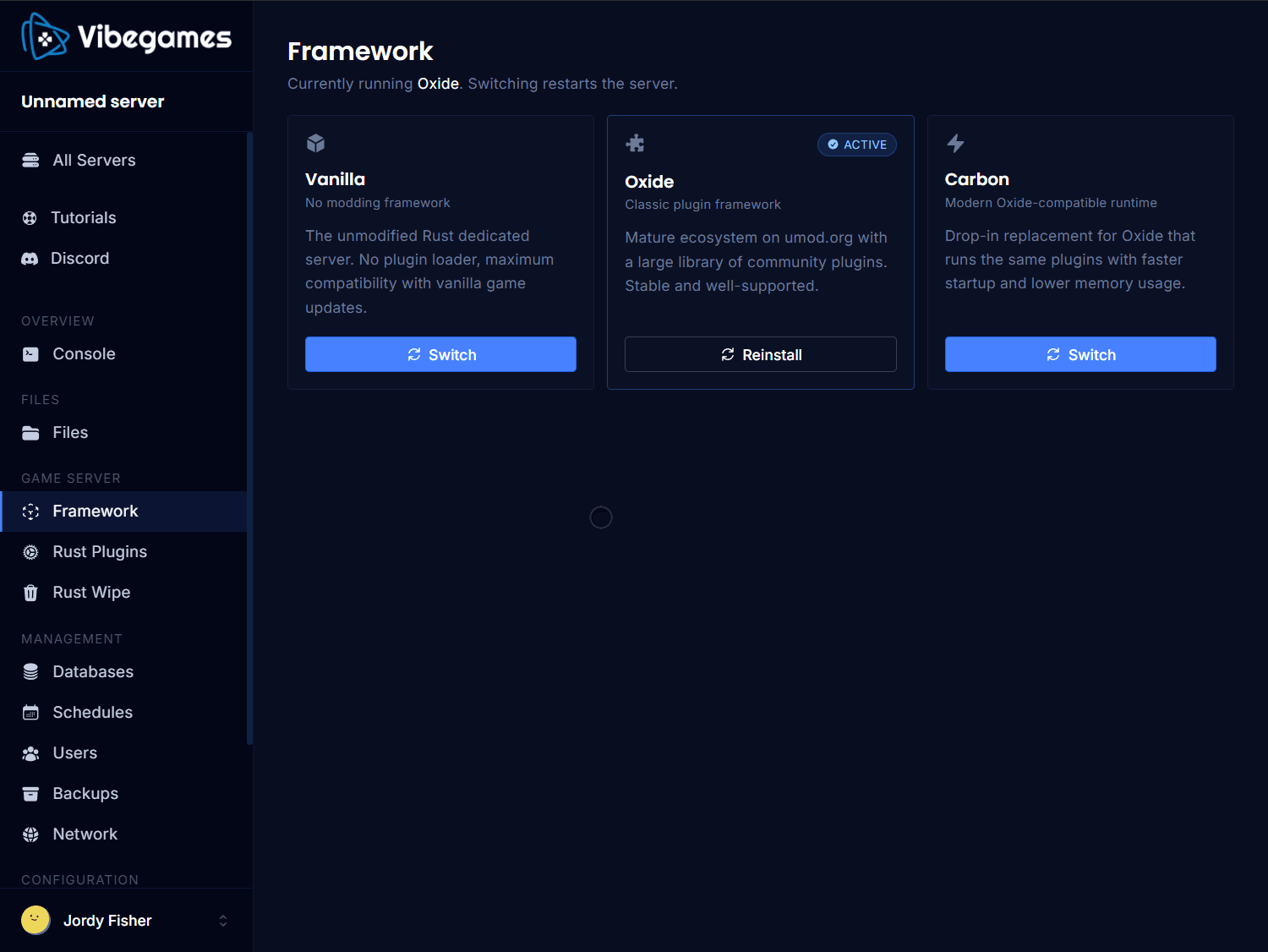
Turn a vanilla Rust server into a modded community in under a minute. Pick Vanilla, Oxide (uMod) or Carbon directly from the control panel, click switch, and the server restarts onto the new framework. No SSH, no manual installs, no chance of breaking your save.
Carbon is a drop-in replacement for Oxide running the same plugin codebase on a newer .NET runtime. It delivers noticeably better tick-rates on heavily-modded servers, so if your community runs 50+ plugins, it is usually the better choice.
Browse and install plugins in one click
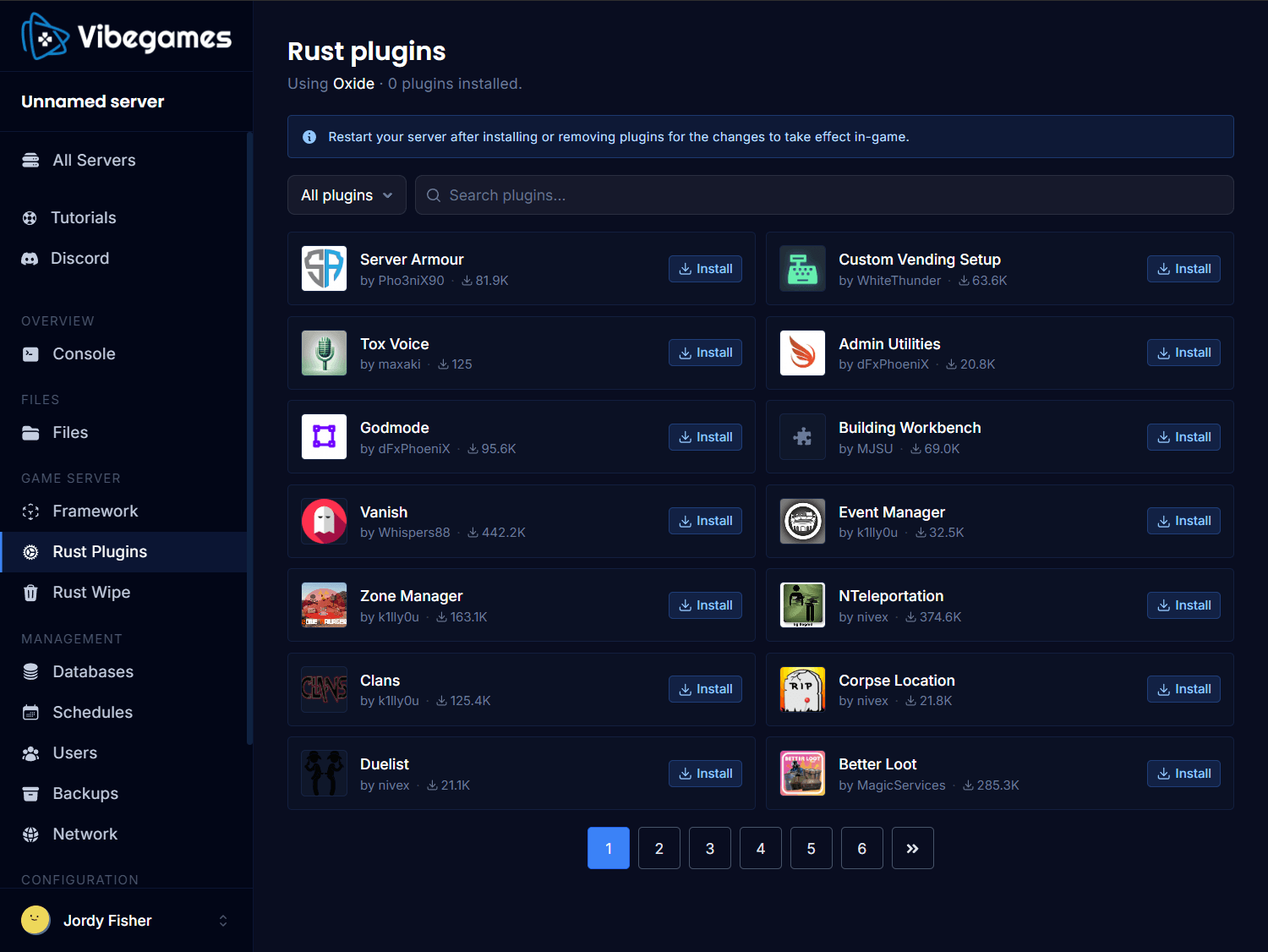
Every popular Rust plugin is a click away. Browse the full uMod and Carbon plugin catalogue straight from the control panel, search by name, and install with a single button. No FTP uploads, no dependency hunting, no wrestling with file permissions.
Need something custom? Full SFTP access on every server lets you drop your own .cs files straight into the plugins folder. Oxide hot-loads them on the next reload, no restart required. Live server console streamed to your dashboard shows plugin loads, errors, and warnings in real time.
Hardware tuned for Rust
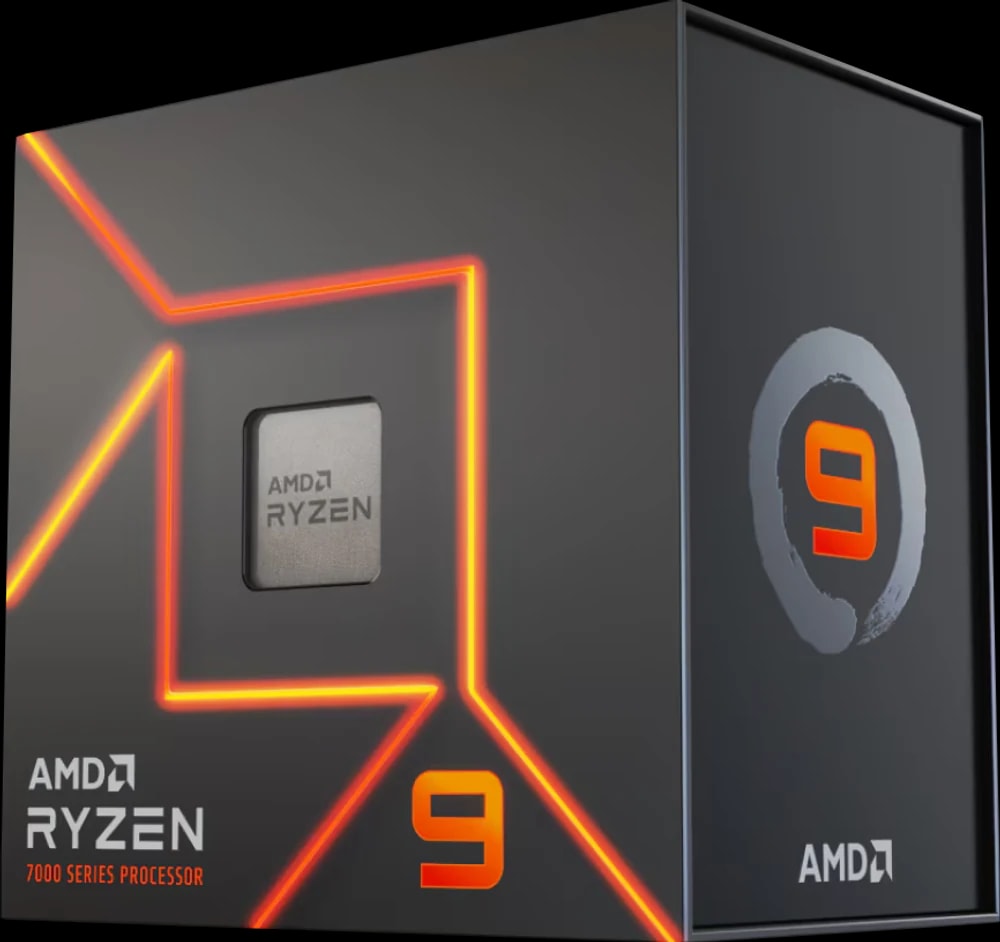
Rust is single-threaded for the main game loop, so single-core performance matters more than core count. Every VibeGAMES Rust plan runs on AMD Ryzen 9 desktop processors with boost clocks above 5 GHz, far ahead of the single-core speed of the server CPUs most hosts use. Paired with DDR5 memory and NVMe SSDs for smooth FPS even at 200+ players on a 4K map.
Plans are sized to real Rust workloads so you do not have to guess: 12 GB for up to 100 slots on a 3500 map, 16 GB for 150 slots on 4000, 24 GB+ for 200+ slots on 4500. Add 4-8 GB on top for heavy modded setups with NPC plugins like ZombieHorde or Convoy.
Attacks stop before they reach your world
Every Rust server sits behind VibeSHIELD. Attacks are filtered at 46 locations close to where they start, and anything that is not Rust traffic is dropped. Included, nothing to set up.
How VibeSHIELD works15 locations, sorted by your ping
In Rust the first shot usually wins the fight, so a server close to your players matters. Your browser measures every location while you read.

 Amsterdamping
 Frankfurtping
 Warsawping
 Bucharestping
 Istanbulping
 New Yorkping
Online in minutes. Then make it yours.
The server is delivered installed and running. These guides cover what almost everyone does first.
All 17 Rust guides- 01How to Connect to Your Rust ServerYour Rust server is running and you need to get onto it.Read the guide
- 02How to Make Yourself Admin on Your Rust ServerAdmin on a Rust server lets you fly, spawn items, teleport, and kick or ban players.Read the guide
- 03Rust Admin CommandsOnce you are admin on your Rust server, everything happens through commands.Read the guide
- 04Rust Settings and Gameplay RulesThe Rust Settings page is where you decide what players see in the server browser and what rules they play by.Read the guide
Frequently Asked Questions
Not in the list? Open a ticket and our team answers, or look it up in the help centre.
What are the recommended specs for Rust server hosting?
Rust is single-threaded for the main game loop, so single-core performance matters more than core count. We recommend at least 12 GB of RAM for up to 100 slots on a 3500 map, 16 GB for 150 slots on a 4000 map, and 24 GB+ for 200+ slots on a 4500 map. Our Rust plans run on AMD Ryzen 9 with DDR5 and NVMe storage and are sized to these recommendations, so you do not have to guess.
How many players can a Rust server support?
Standard Rust servers comfortably host between 50 and 200 players depending on map size, monument density and plugin load. Smaller private servers run well on lighter plans; large community servers benefit from our higher-tier options. There is no hard slot cap on any of our plans.
What is the best CPU for a Rust server?
A high clock-speed CPU is more important than raw core count, because the Rust server loop runs primarily on a single thread. That is why every VibeGAMES Rust plan runs on AMD Ryzen 9 desktop processors with boost clocks above 5 GHz instead of many-core server CPUs.
Can I install Oxide or Carbon on my Rust server?
Yes. Both Oxide (uMod) and Carbon are available as one-click installs from the control panel. Carbon is a drop-in replacement for Oxide that runs the same plugin codebase on a newer .NET runtime and is recommended for heavily-modded servers.
Can I upload custom maps?
Yes. Upload any custom .map file (RustEdit, RustMaps.com, or your own) via the control panel file manager or SFTP, point your startup command at it, and restart the server. Custom maps with handcrafted monuments are a great way to stand out in the server browser.
How do I wipe my Rust server?
Wipes can be performed from the control panel: delete the map save files for a map wipe, or additionally clear the blueprint data for a full BP wipe. You can also schedule automatic wipes weekly, bi-weekly, or aligned to Facepunch's monthly Force Wipe using the built-in task scheduler.
What is the difference between a map wipe and a blueprint wipe?
A map wipe resets the world and player-built structures but keeps unlocked blueprints. A blueprint wipe additionally resets every player's tech tree. Most communities map-wipe weekly and BP-wipe monthly, lining up with Facepunch's Force Wipe on the first Thursday of every month.
Do you support Rust Staging Branch?
Yes. Staging Branch is available as a startup option in the control panel. Switching between release and staging takes one restart. Useful for testing upcoming Facepunch changes against your modded setup before they hit the main branch.
Is DDoS protection included with Rust hosting?
Yes, on every plan at no extra cost. Rust has its own VibeSHIELD filter for the game port (UDP 28015), active on every Rust server we host, so spoofed floods are dropped at the edge while real players keep playing. Steam query floods are answered at the edge by the A2S cache. Our anycast network filters attacks at the nearest of 46 scrubbing locations, before they reach your server.
Do you offer full RCON and SFTP access?
Yes. WebRCON is enabled by default on every server with a randomized password, and you can connect any external RCON client such as RustAdmin. Full SFTP access lets you upload plugins, edit configs, swap maps, and pull logs without restrictions.
Where are your Rust servers located?
We operate Rust nodes across Europe and North America to keep player ping low. You pick the location during checkout. If your community is spread across multiple regions, we can host additional servers in other locations under the same account.
How quickly can I get a Rust server online?
Your server is provisioned and ready to connect within minutes of completing your order. No manual setup or waiting for staff. You can be in-game and configuring plugins within five minutes.
Can I migrate my existing Rust server to VibeGAMES?
Yes. Pull a copy of your existing server's identity folder (oxide/data, server save files, configs) via SFTP from your current host, then upload it to your new VibeGAMES server in the same location. Your map, blueprints, structures and plugin state all carry over. We are happy to help via support if you get stuck.
Can I upgrade my Rust plan if my community grows?
Yes. All Rust plans can be upgraded from the dashboard with no downtime beyond a single restart. The server keeps the same IP, save files and plugin configuration. Downgrades are also supported as long as the new plan has enough RAM for your current world size.
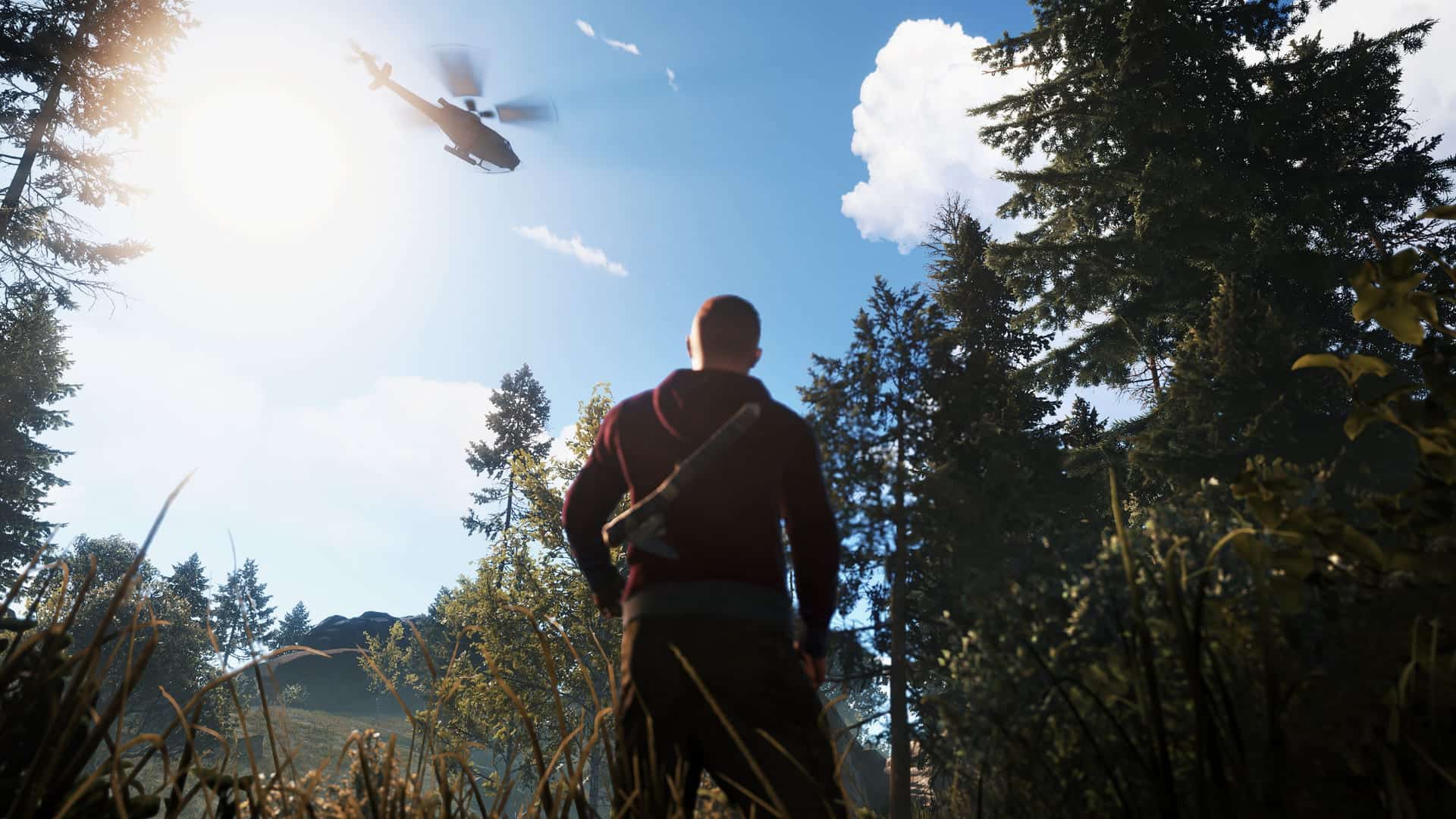
Start your Rust server tonight
Order now and your server is online in minutes, behind VibeSHIELD, in the location closest to you.